Smart Hangboard
 View Github Repository
 View Report
Problem
Most hangboard training tools focus on timing a single hang, but don’t help you track a full workout across multiple holds and sets. This project targets that gap by combining hold detection, load sensing, and on-device visual feedback so a climber can log sets per hold and see hang timing live.
System Overview
Smart Hangboard uses an Arduino Mega as the central controller and integrates two sensing modalities: (1) capacitive touch sensing to detect which holds are engaged, and (2) four 50 kg load cells (Wheatstone bridge + HX711) to measure applied force. Output is shown on a bank of 7 single-digit 7-segment displays for per-hold set counts, plus a 4-digit 7-seg display for live hang time. A push button resets timer + counters to start a fresh workout.
Hardware Architecture
- Arduino Mega microcontroller as the system hub
- Capacitive sensors made from copper tape for hold engagement detection
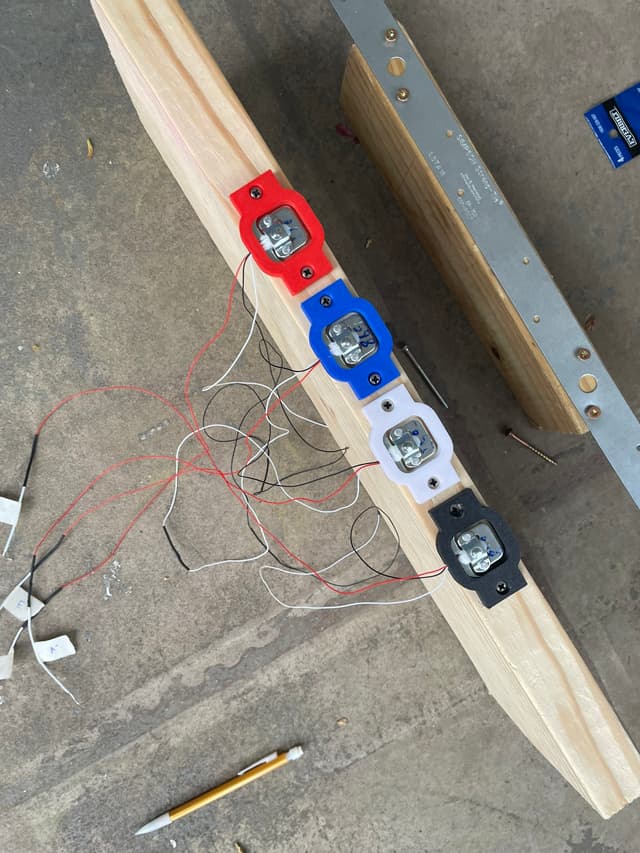
- 4× 50 kg load cells in a Wheatstone bridge, amplified by HX711 for load measurement
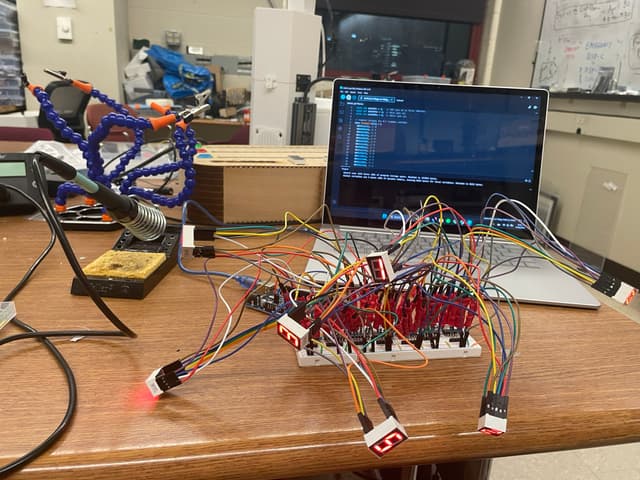
- 7× single-digit 7-seg displays for hold-specific set counts (daisy-chained via shift registers)
- 4-digit 7-seg display for live hang duration
- LED push button to reset workout timing + counts
Firmware & Libraries
- CapacitiveSensor library for reliable capacitive hold readings
- HX711 library for interfacing with the load cell amplifier
- SevSeg library to simplify driving 7-segment display output
Hold Detection
Each hold was instrumented by routing copper tape through the hold pocket and out to the board edge, where it was soldered to wiring. Careful routing avoided accidental contact while using adjacent holds, and the design intentionally kept the tape exposed for a cleaner final finish.
Load Sensing & Mechanical Design
A major challenge was getting meaningful deformation on the load cells: thin wiring and minimal documentation made initial calibration difficult. After integrating the HX711, the system still returned nearly constant readings until load cell support housings were added to enable more compression under force. The final mounting approach used a backing block with load cells and a two-block bracketed structure to transfer hanging forces into compression on the sensors.
Display + UI Decisions
- Switched from an LCD concept to per-hold 7-segment displays for better usability.
- Daisy-chained displays with shift registers (instead of a MAX7219) to reduce Arduino pin usage.
- Breadboarded and heavily wired the display chain; extensive soldering/crimping required for reliability.
Enclosure & Fabrication
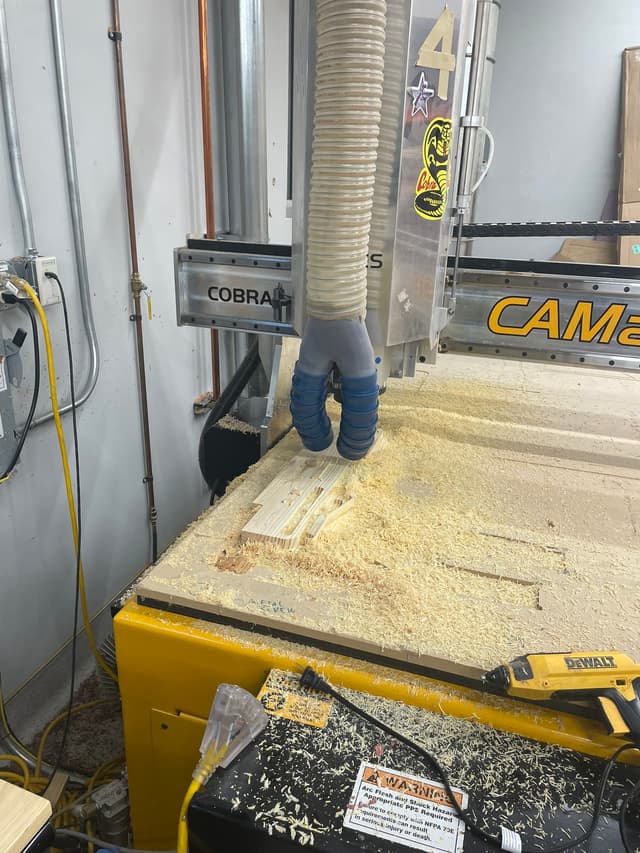
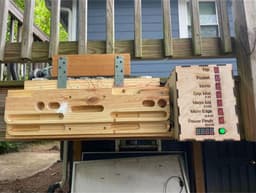
The hangboard was manufactured via CAD/CAM and CNC wood milling, with iterative finishing steps (patching a cosmetic mill defect and sanding/rounding hold edges). Electronics were housed in a custom laser-cut plywood enclosure (chosen over 3D printing to iterate sizing quickly), with displays mounted to the panel and the Arduino + breadboard fixed internally for cable management. Power was ultimately moved from battery to wall supply after brownout issues during the demo.
Future Improvements
- Replace bracketed two-block linkage with linear rails to reduce torque and improve force transfer consistency
- Add a dedicated display driver IC (e.g., MAX7219) to simplify wiring and debugging (time-constrained in current build)